waplogin.link and WiFi Extender Guides
Every guide addresses a distinct setup task or symptom. Begin with the complete waplogin.link setup process, or select the exact message, light or connection problem you are seeing.
Wavlogin.link Login and Setup Guide
Learn how wavlogin.link works as a local WAVLINK management address, connect correctly, complete setup and fix page-access problems.
Read guide →New complete guideWAVLINK Extender WPS Setup: Complete Guide
Set up a compatible WAVLINK extender with WPS, understand button order, dual-band pairing, indicator behaviour and WPS failure recovery.
Read guide →New complete guideWAVLINK Access Point Mode Setup Guide
Configure a compatible WAVLINK extender in Access Point mode, connect the correct Ethernet port, find its assigned IP and secure the new WiFi.
Read guide →New complete guideChange WAVLINK Extender WiFi Name and Password
Change a WAVLINK extender SSID or WiFi password safely, understand router-password changes and reconnect every affected device.
Read guide →New complete guideWAVLINK Extender Setup Network Not Showing
Fix a missing WAVLINK factory setup network by checking startup, mode, saved configuration, radio bands, power and factory reset conditions.
Read guide →New complete guidewaplogin.link Refused to Connect: Browser Fixes
Fix a “refused to connect” message for waplogin.link by checking the local network, protocol, gateway, cached redirects and device service state.
Read guide →New complete guideWAVLINK Extender WPS Light Blinking
Understand a blinking WAVLINK WPS light, identify active pairing, expired pairing and failed connection states, and recover without unnecessary resets.
Read guide →New complete guideWAVLINK Extender Slow Speed: Complete Diagnosis
Improve slow WAVLINK extender performance by testing the router, uplink quality, band, placement, interference, Ethernet and client roaming.
Read guide →New complete guideHow to Find a WAVLINK Extender IP Address
Find the current WAVLINK extender IP through phone gateway details, router client lists or computer network information after setup or AP mode.
Read guide →New complete guideWAVLINK Extender After Router Password Change
Reconnect a WAVLINK extender after changing the main router password, SSID or security mode without confusing uplink and client credentials.
Read guide →Core setup guidewaplogin.link Setup: Complete Extender Guide
Use the waplogin.link local setup page to configure a compatible WiFi extender, connect it to your router, secure it and choose the correct placement.
Read guide →Login troubleshootingwaplogin.link Not Working? Complete Fix Guide
Fix waplogin.link when the extender setup page will not open by checking WiFi, browser routing, gateway, VPN, cached data and reset options.
Read guide →Password guidewaplogin.link Login Password Explained
Understand the waplogin.link administrator password, WiFi password, default credentials, recovery options and safe password changes.
Read guide →Connection troubleshootingWiFi Extender Connected but No Internet
Diagnose a WiFi extender that connects without internet by testing the router, uplink signal, saved password, security mode, DNS and firmware.
Read guide →Local IP guide192.168.10.1 Extender Login Guide
Learn when 192.168.10.1 can open an extender admin page, how to find the correct gateway and how to fix a local IP login failure.
Read guide →Alternative local addresswifi.wavlink.com Login and Setup Guide
Use the wifi.wavlink.com local management address on a supported device and troubleshoot connection, gateway and login problems safely.
Read guide →Brand setup overviewWAVLINK WiFi Extender Setup Guide
Set up a compatible WAVLINK WiFi extender using WPS or its documented browser interface, then test placement, security and internet access.
Read guide →Recovery guideHow to Reset a WiFi Extender Safely
Reset a WiFi extender safely, understand what settings will be erased and complete setup again without confusing restart and factory reset.
Read guide →Stability guideWiFi Extender Keeps Disconnecting: Stability Fixes
Fix a WiFi extender that keeps disconnecting by checking placement, router signal, interference, channels, heat, power, firmware and roaming.
Read guide →Placement guideBest Place to Put a WiFi Extender
Choose the best WiFi extender placement by balancing router signal, distance, obstacles, floor layout, interference and the target coverage area.
Read guide →Maintenance guideWiFi Extender Firmware Update Guide
Update WiFi extender firmware safely by identifying the exact model and hardware revision, using official files and avoiding interrupted installation.
Read guide →LED troubleshootingWAVLINK Extender Red Light: Meaning and Fixes
Troubleshoot a red light on a compatible WAVLINK extender by checking model-specific LED meanings, router signal, pairing, passwords and firmware.
Read guide →Access-point guideAP.Setup Login and Access Guide
Learn how a supported AP.Setup local page works, connect to the correct device network and fix address, gateway and login problems.
Read guide →Model setup pages
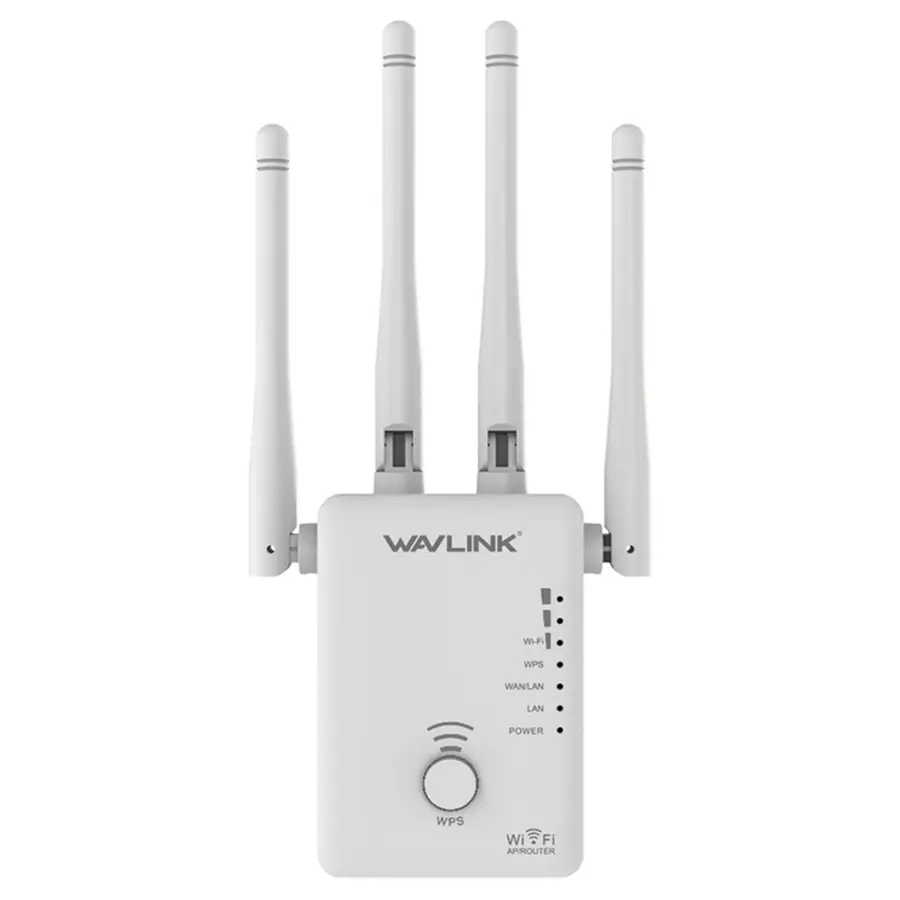
WL-WN575A3 setup
AC1200: 867 Mbps on 5 GHz plus 300 Mbps on 2.4 GHz
Open model guide →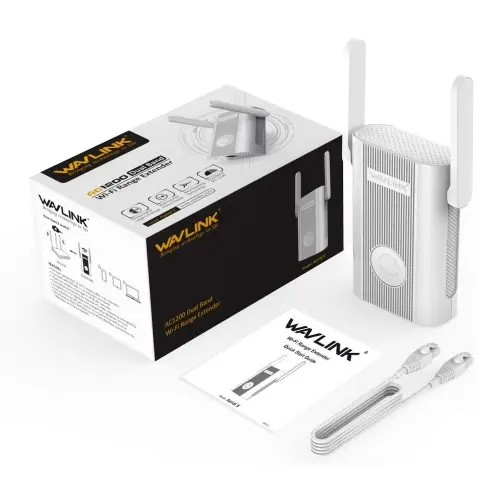
WL-WN575A4 setup
AC1200: 867 Mbps on 5 GHz plus 300 Mbps on 2.4 GHz
Open model guide →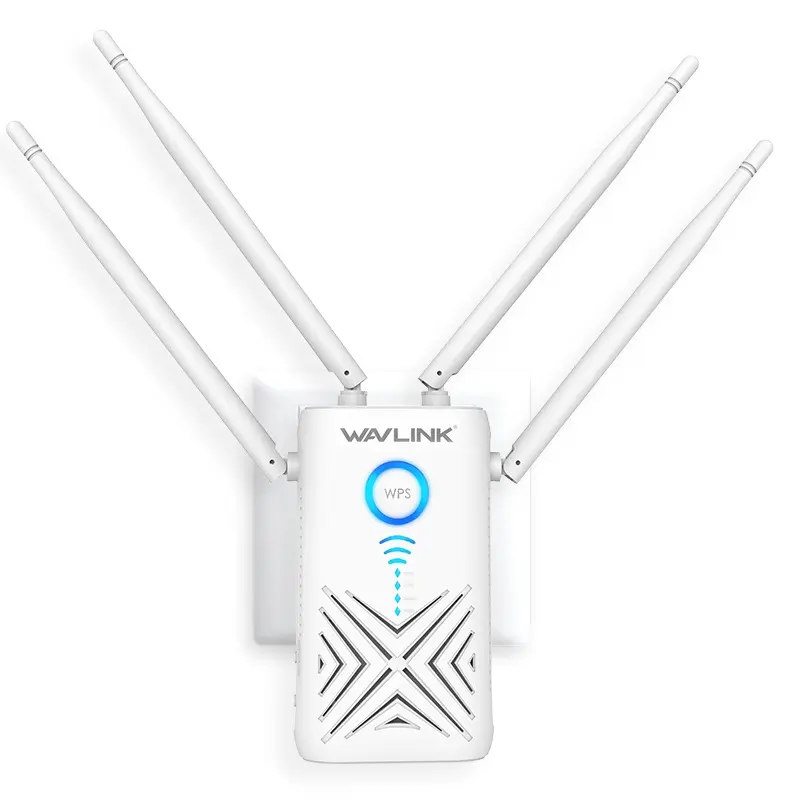
WL-WN579X3 setup
AC1200: 867 Mbps on 5 GHz plus 300 Mbps on 2.4 GHz
Open model guide →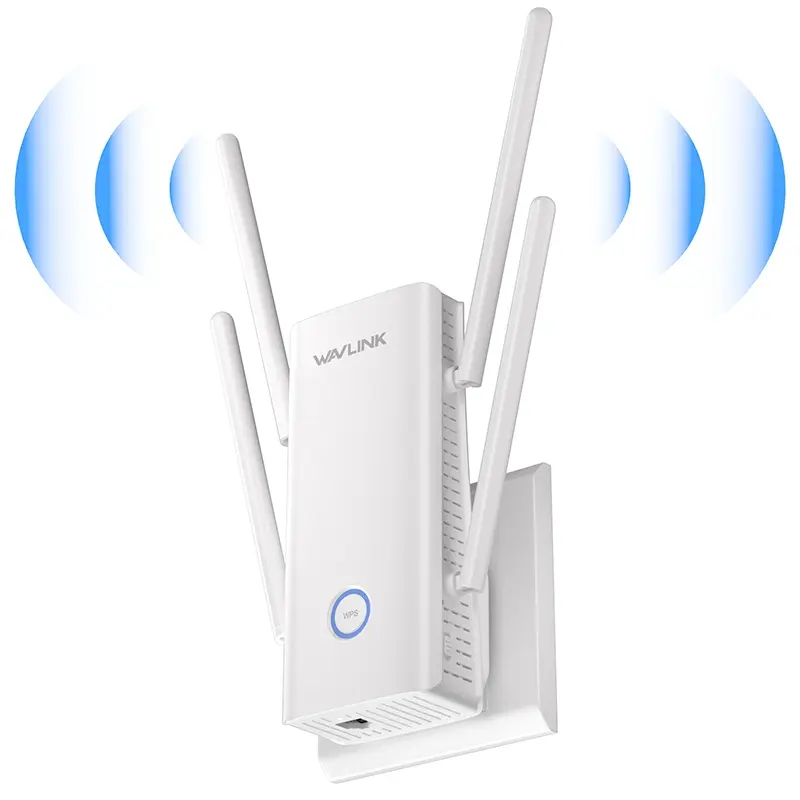
WL-WN583HX3 setup
AX3000: up to 2402 Mbps on 5 GHz plus 573 Mbps on 2.4 GHz
Open model guide →Outdoor extenders need model-specific PoE and mounting instructions
Do not reuse an indoor setup sequence for a pole-mounted, directional or mesh-capable outdoor unit. Select the exact model to check its power path, ports, antenna pattern, weather seals and supported modes.
Find an outdoor model guideCheck before installation
- Complete model and suffix
- Active or passive PoE
- Directional or omni antennas
- AP, repeater, router or mesh role
- Dry location for non-rated power equipment
Complete the setup path without overlapping topics
waplogin.link Not Secure or Privacy Error
Separate a local HTTP or certificate warning from a timeout and verify the extender before entering credentials.
Check the warning →Wireless backhaulWAVLINK Repeater Mode Setup
Configure beside the router, select the host band and password, verify service and then relocate.
Set up repeater mode →Outdoor Ethernet backhaulWAVLINK Outdoor Access Point Setup
Plan exact PoE, bench configuration, DHCP, mounting, weatherproofing and final verification.
Plan an outdoor AP →