Read the complete model number
Check the rear or underside label, including every suffix. Similar-looking AC1200 or AX3000 products can use different switches, ports, LEDs and recovery procedures.
These guides cover model-specific controls, ports, modes and troubleshooting. The local login address can vary by hardware revision and firmware, so confirm waplogin.link on the product label or official manual before using it.
Compare Wavlink AC1200 extender setup, Wavlink AX3000 extender setup, model login, repeater mode, access-point mode, reset and firmware instructions by exact model number.
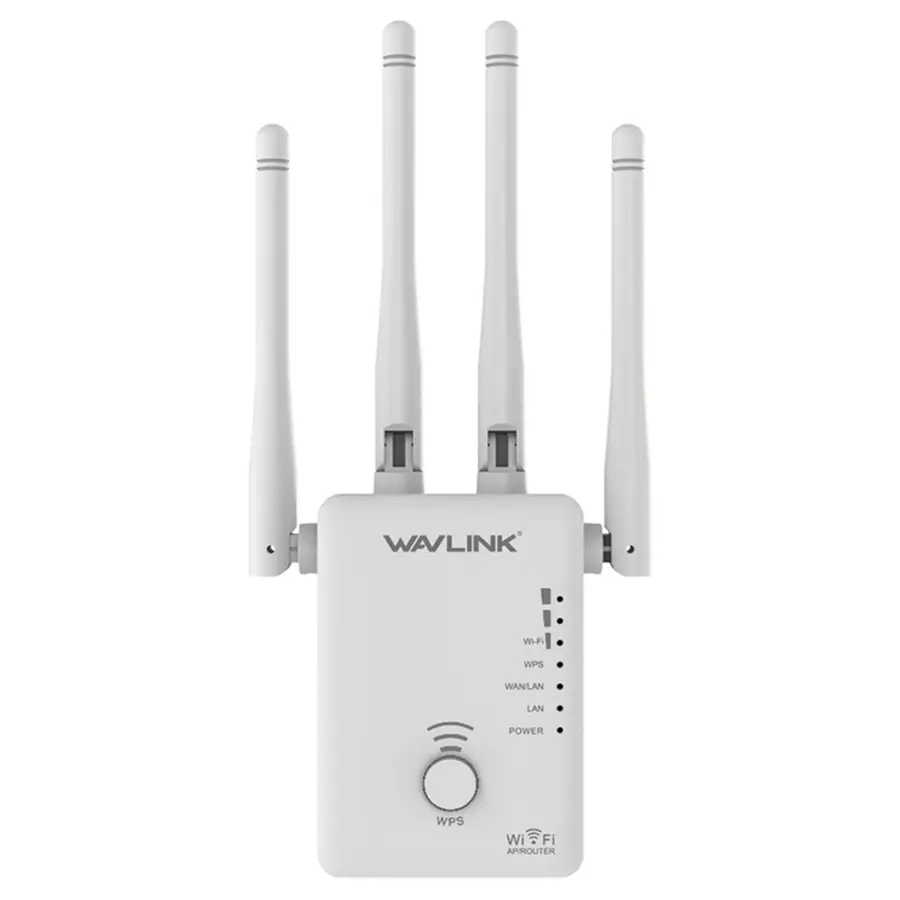
AC1200: 867 Mbps on 5 GHz plus 300 Mbps on 2.4 GHz
Open model guide →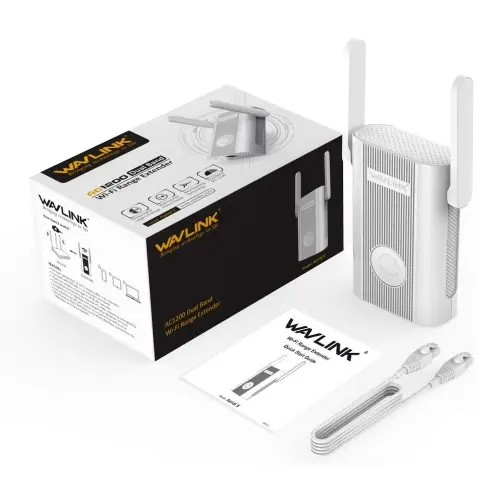
AC1200: 867 Mbps on 5 GHz plus 300 Mbps on 2.4 GHz
Open model guide →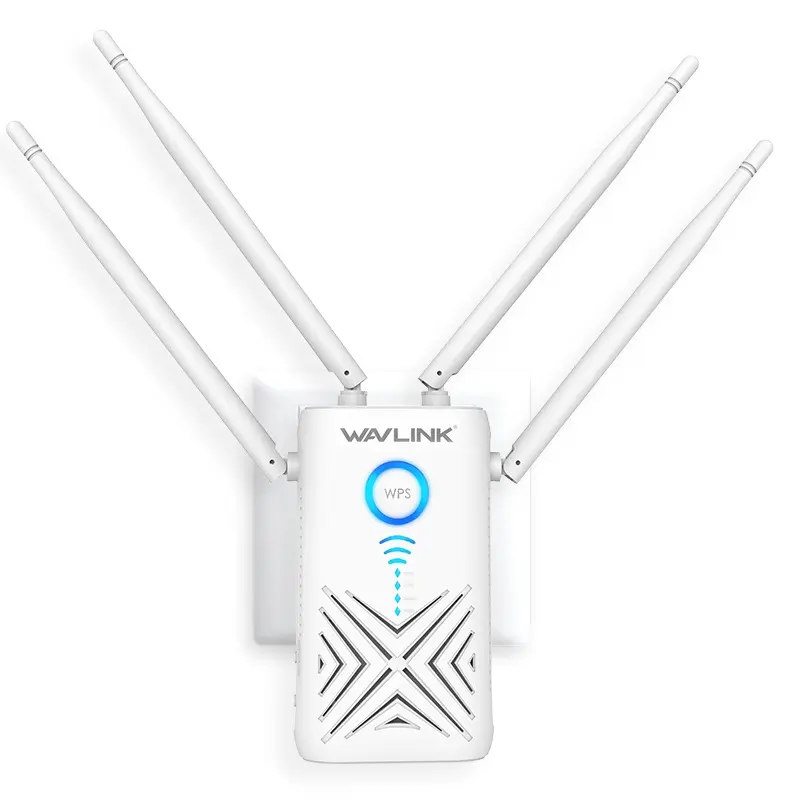
AC1200: 867 Mbps on 5 GHz plus 300 Mbps on 2.4 GHz
Open model guide →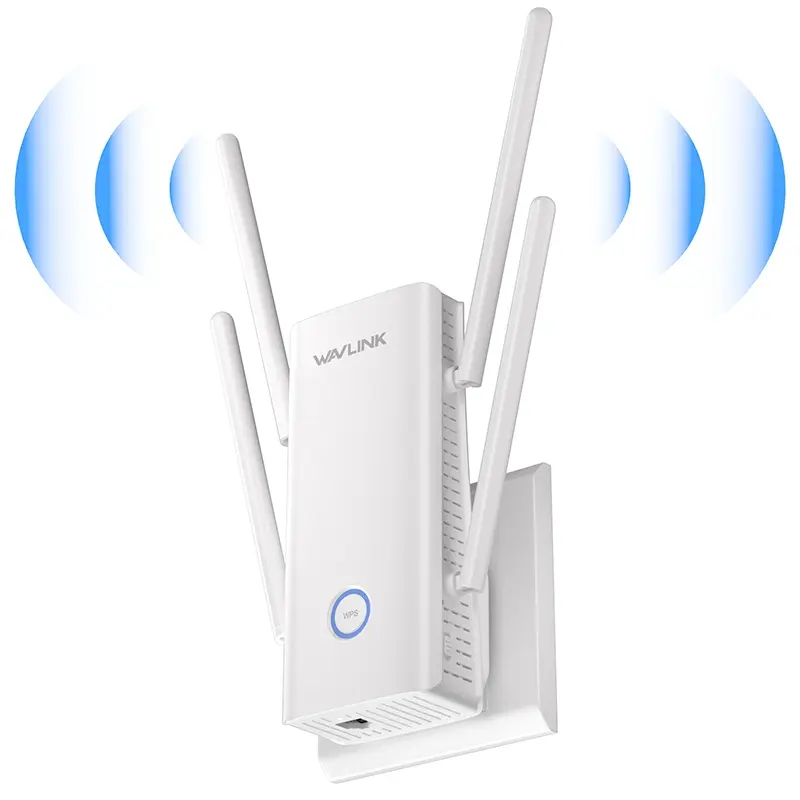
AX3000: up to 2402 Mbps on 5 GHz plus 573 Mbps on 2.4 GHz
Open model guide →Port speed, antenna design, mode switches, WiFi generation and indicator behaviour vary substantially. A WN575A4 does not use its single Ethernet port in the same way as the dual-port WN579X3, while the WiFi 6 WN583HX3 adds mesh and WPA3-related choices.
Each page therefore explains the device-specific decisions instead of repeating one generic setup article.
Outdoor units require different power, antenna, mounting and safety instructions. Use the dedicated model directory instead of applying an indoor wall-plug procedure.
Check the rear or underside label, including every suffix. Similar-looking AC1200 or AX3000 products can use different switches, ports, LEDs and recovery procedures.
Use Repeater mode for a wireless router link, AP mode for Ethernet backhaul, or Router mode only on hardware designed to route an internet connection.
Join the factory setup SSID, open the local address confirmed by the label, select the host WiFi and save the correct wireless password before relocating.
Reconnect to the extended network, load unrelated websites and check both required bands. Move the extender only after the near-router test succeeds.