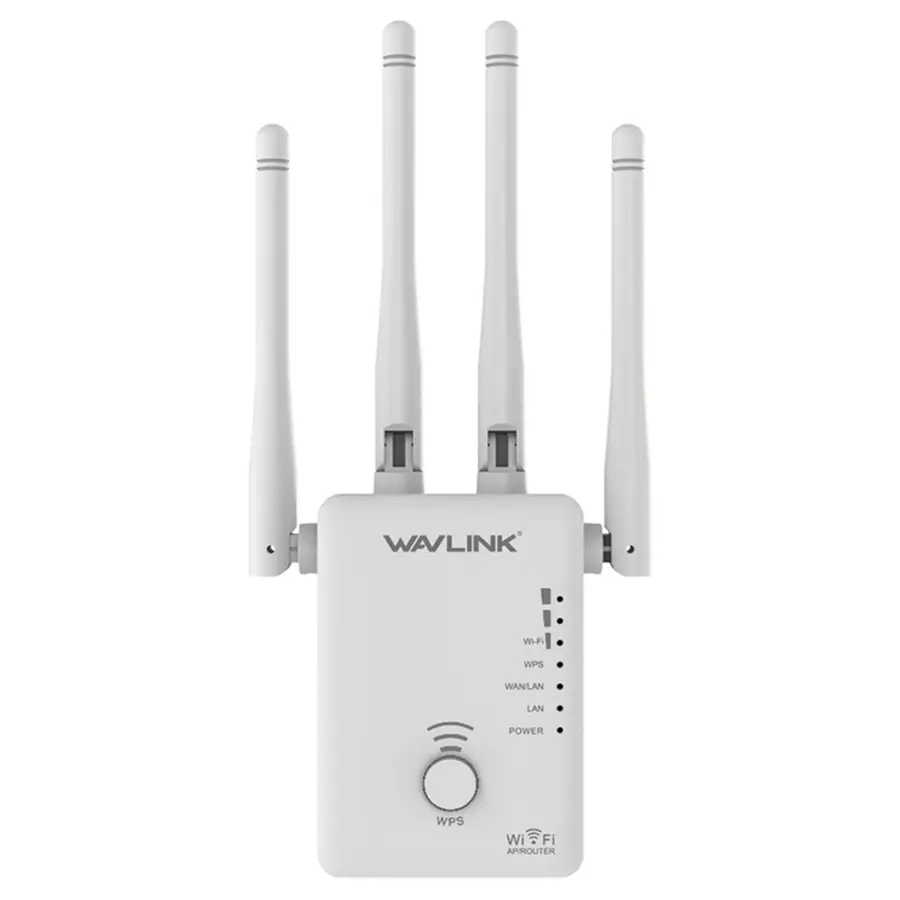
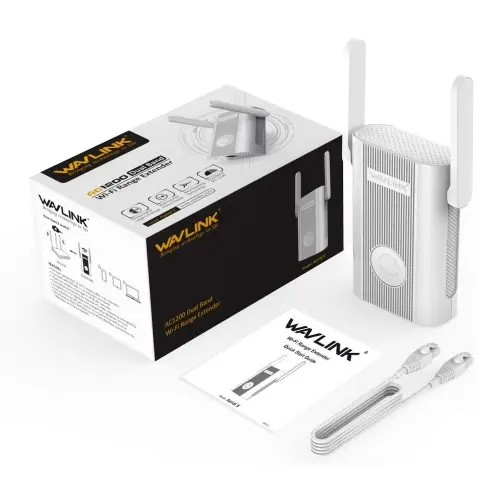
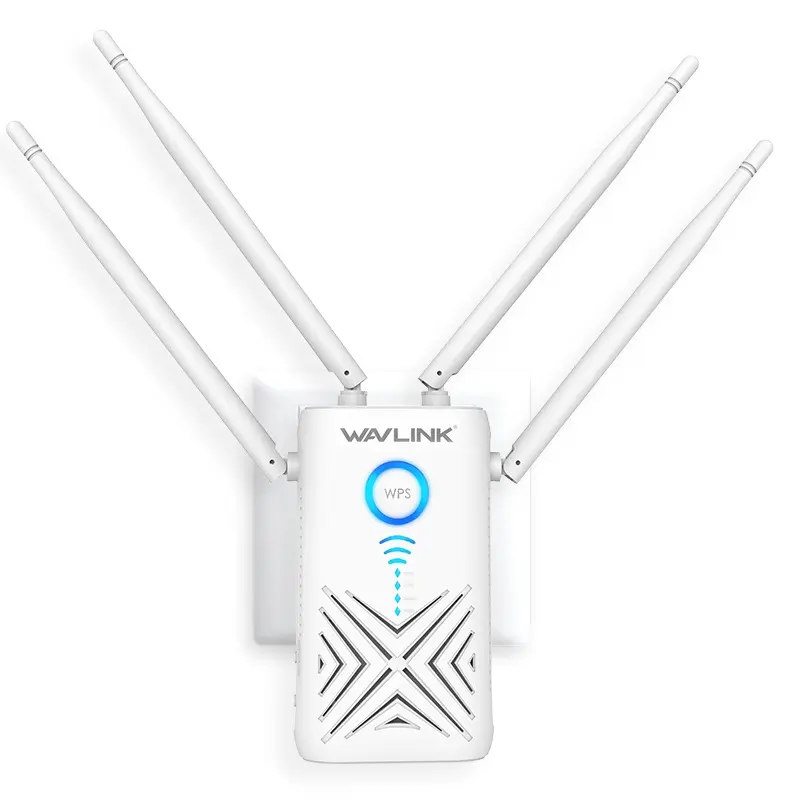
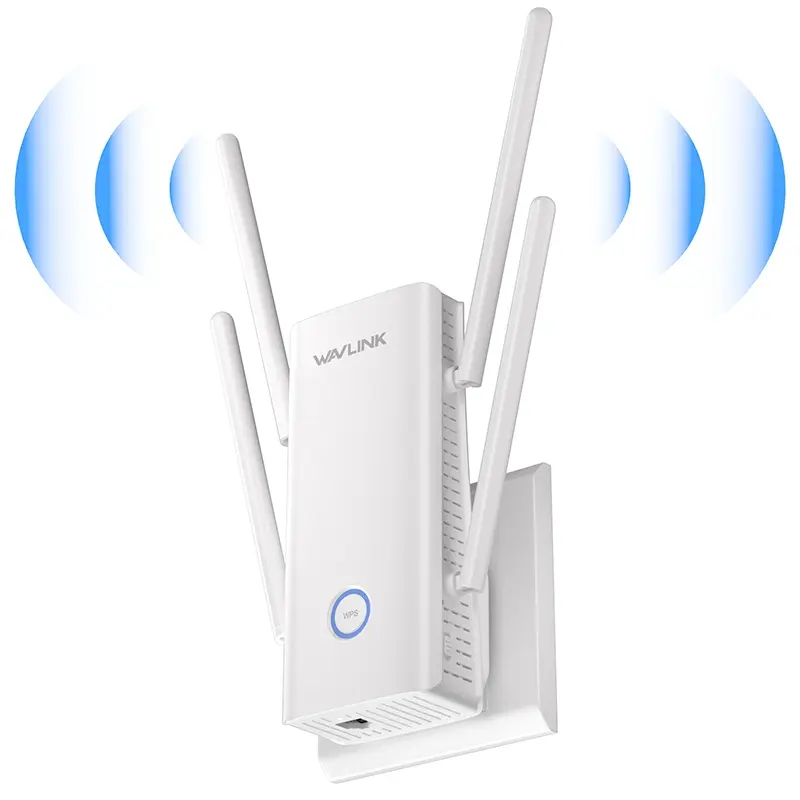
1. Prepare the router and extender
Confirm that the main router can load websites before changing the extender. Plug the extender into an outlet close to the router, allow startup to finish and keep the router’s exact WiFi name and password ready. If the model has a physical Repeater, AP or Router switch, choose the required role before opening the setup page.
2. Join the temporary setup network
Open WiFi settings on the phone or computer and select the factory SSID printed on the device label. A “no internet” warning is normal at this stage because the extender has not joined the router. Stay connected and temporarily disable mobile data, VPN and proxy routing so the browser does not bypass the local device.